

RobOS Point of Sale
Open-source cash register for shops, cafés and bars: touchscreen order entry, self-checkout, inventory, cash drawer controls and an open checkout API.
Running a business? Start with the Point of Sale introduction, then choose your tutorial and video: Retail store, Coffee shop or Bar.
RobOS Point of Sale handles three kinds of business out of the box, each with a ready-made sample you can try on first launch and then edit into your own:
| Sample | What it shows |
|---|---|
| Retail store | A general shop: sized apparel, home goods, electronics, tax-exempt groceries, stationery. Barcode and QR scanning (gun or webcam), promo codes, returns and exchanges, self-checkout by scanning a tag |
| Coffee shop | Drinks with required size and milk choices, recipes that use up beans and milk, a prep screen for the barista and kitchen, tips, self-checkout with an order-ready board |
| Bar | Open tabs, rounds sent to the bar, ID checks, happy-hour pricing, comps and voids with manager approval, split checks, tip-out |
Screens
- Register: big touch tiles, an on-screen number pad, quick-tender cash buttons, discount, tip, split-by-person or by-item, and a printable receipt.
- Tabs: hold an order, pick it up later, or find a self-checkout order by its number.
- Prep: one screen per station (kitchen, barista, bar). Tap Start, Ready, Picked up.
/readyshows a customer-facing “now ready” board. - Self-checkout (
/kiosk): a customer-facing menu with large buttons. Pays by card or “pay at the counter”. Age-restricted items are never offered unattended. - Scanning: a barcode gun works out of the box, and a webcam reads classic UPC/EAN barcodes plus QR codes (including GS1 Digital Link), Data Matrix and Aztec. Press the 📷 button on the register, the self-checkout or when adding an item.
- Inventory: receive deliveries, count the shelf (with a reason), import a CSV, low-stock warnings.
- Menu & Catalog: items, sizes, option groups, taxes, promo codes and happy-hour rules.
- Cash: open the drawer with a float, paid in / paid out, blind count by bill and coin, and an over/short Z-report. Administrators set cash rounding, quick-tender buttons, the largest tender accepted, and how much over/short a cashier may close without a manager.
- Reports: sales by category, tender and item; CSV export.
Scanning: barcode guns, webcams, QR codes
Use a barcode gun (it types into the scan box) or any webcam (press the camera button). The camera reads classic UPC/EAN barcodes and modern 2D codes: QR codes (including GS1 Digital Link), Data Matrix and Aztec. However a code was printed (UPC-A, the same number as an EAN-13, a 14-digit GTIN, a compressed UPC-E, a Digital Link web address, or a GS1 code with a lot number), the register finds the same product.
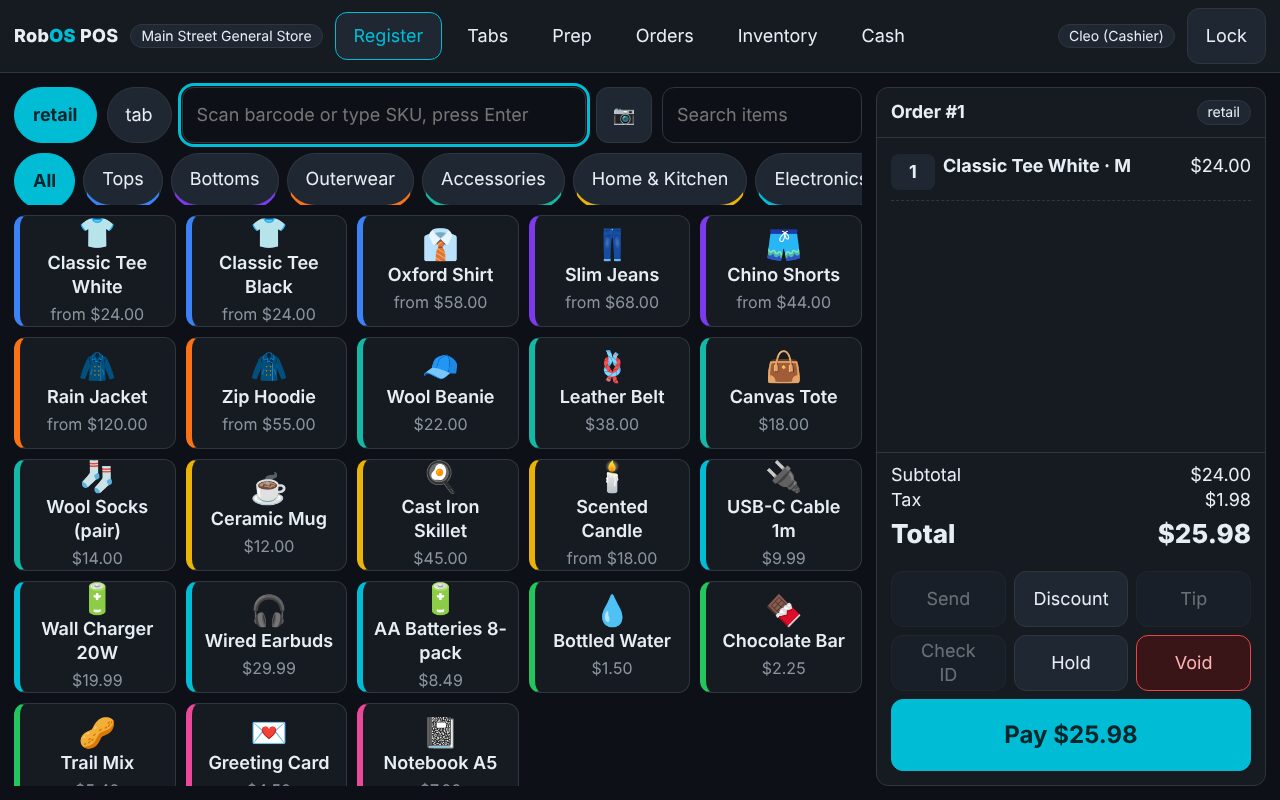
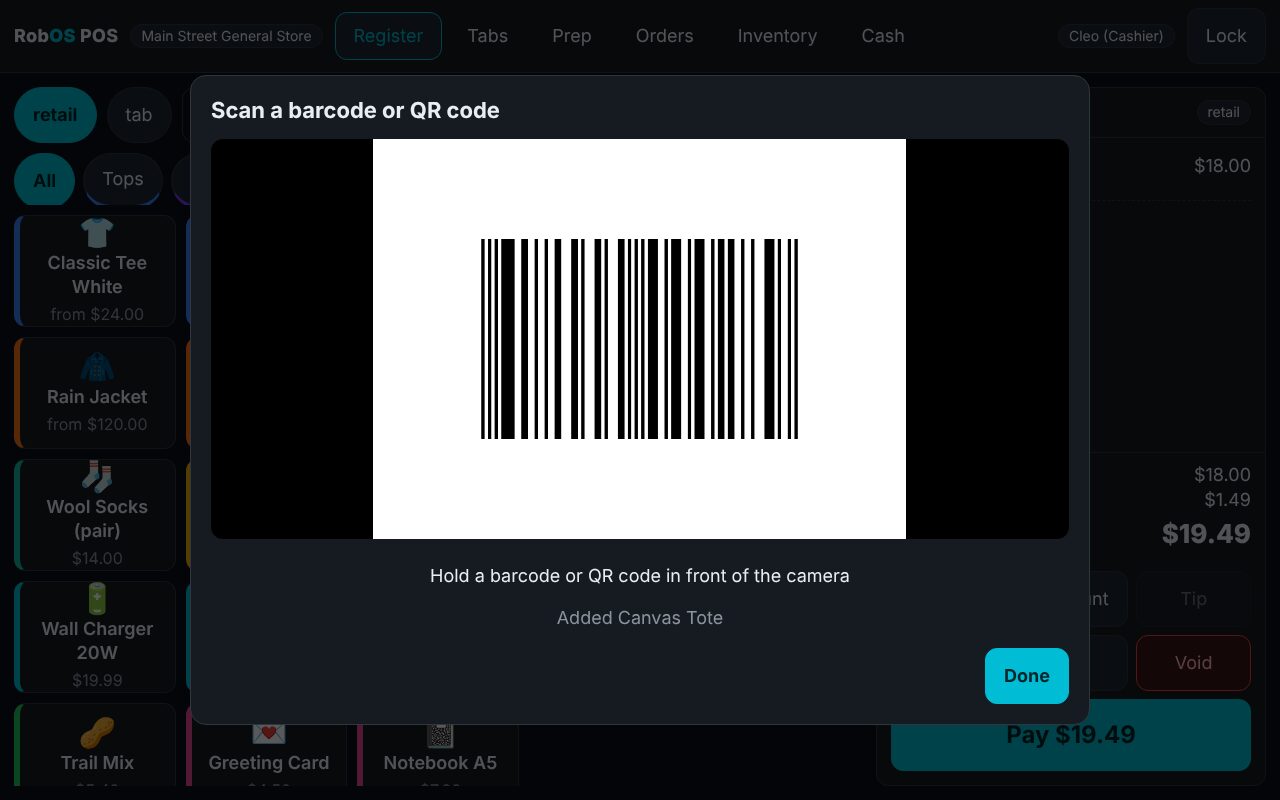
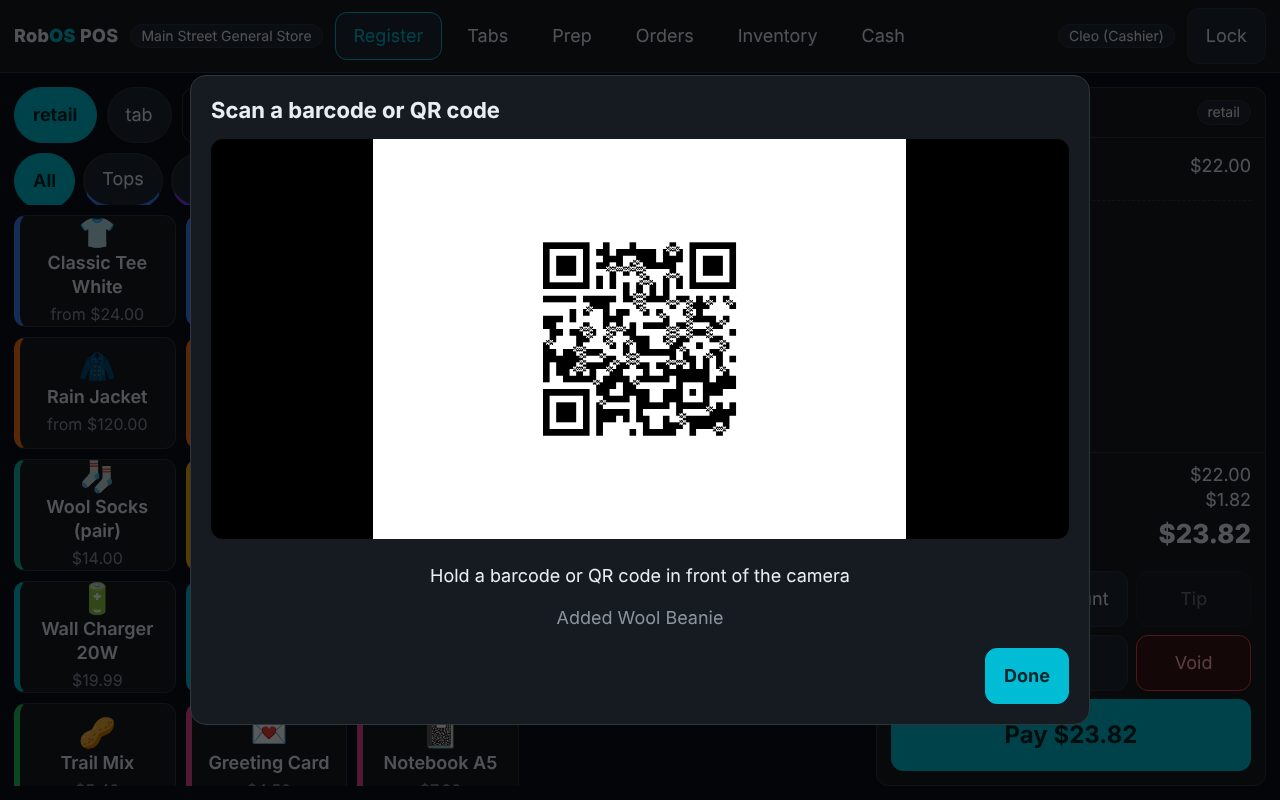
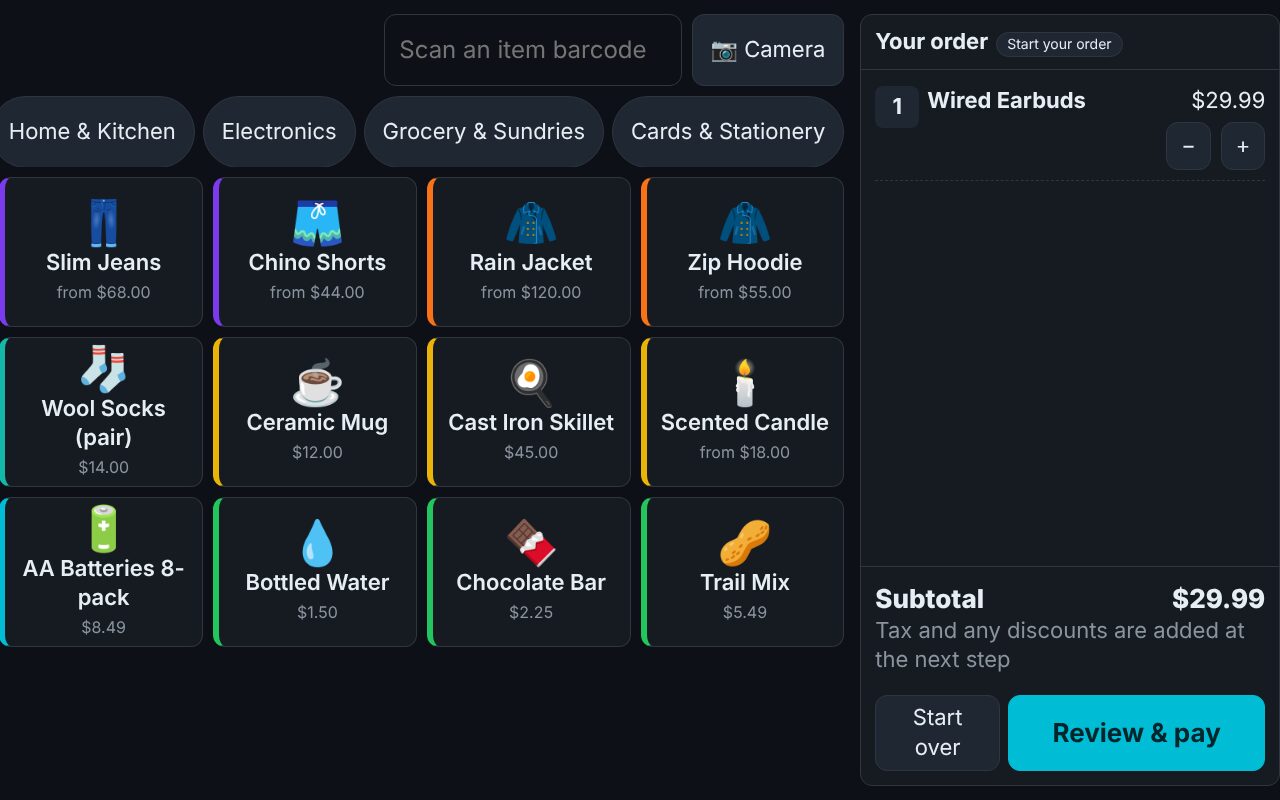
The pictures are screenshots from the automated tests, which play generated codes into a test webcam. The browser only allows cameras on localhost or HTTPS, so a tablet on plain http:// should use a barcode gun. See the full scanning guide.
Open checkout API
Websites and apps create checkout sessions with an API key (Team & API screen). The endpoints follow the shape of the open Agentic Commerce Protocol checkout flow (create, retrieve, update, complete, cancel), amounts are integer cents, and Idempotency-Key is honoured. The OpenAPI document is served at /api/openapi.json. Card payments go through a provider plug-in, so Stripe, Square, Adyen or a card-terminal bridge can be added without touching the register.
Running it
cd packages/point-of-sale
npm install && npm start          # desktop app
node serve.js --host 0.0.0.0      # headless server for tablets on the shop network (use a trusted network)
npm test && npm run test:e2e      # API suites and touch-driven browser suites
Sample PINs: owner 1111, manager 2222, cashier 3333. Change them before real use.