

Overview
How the loop works
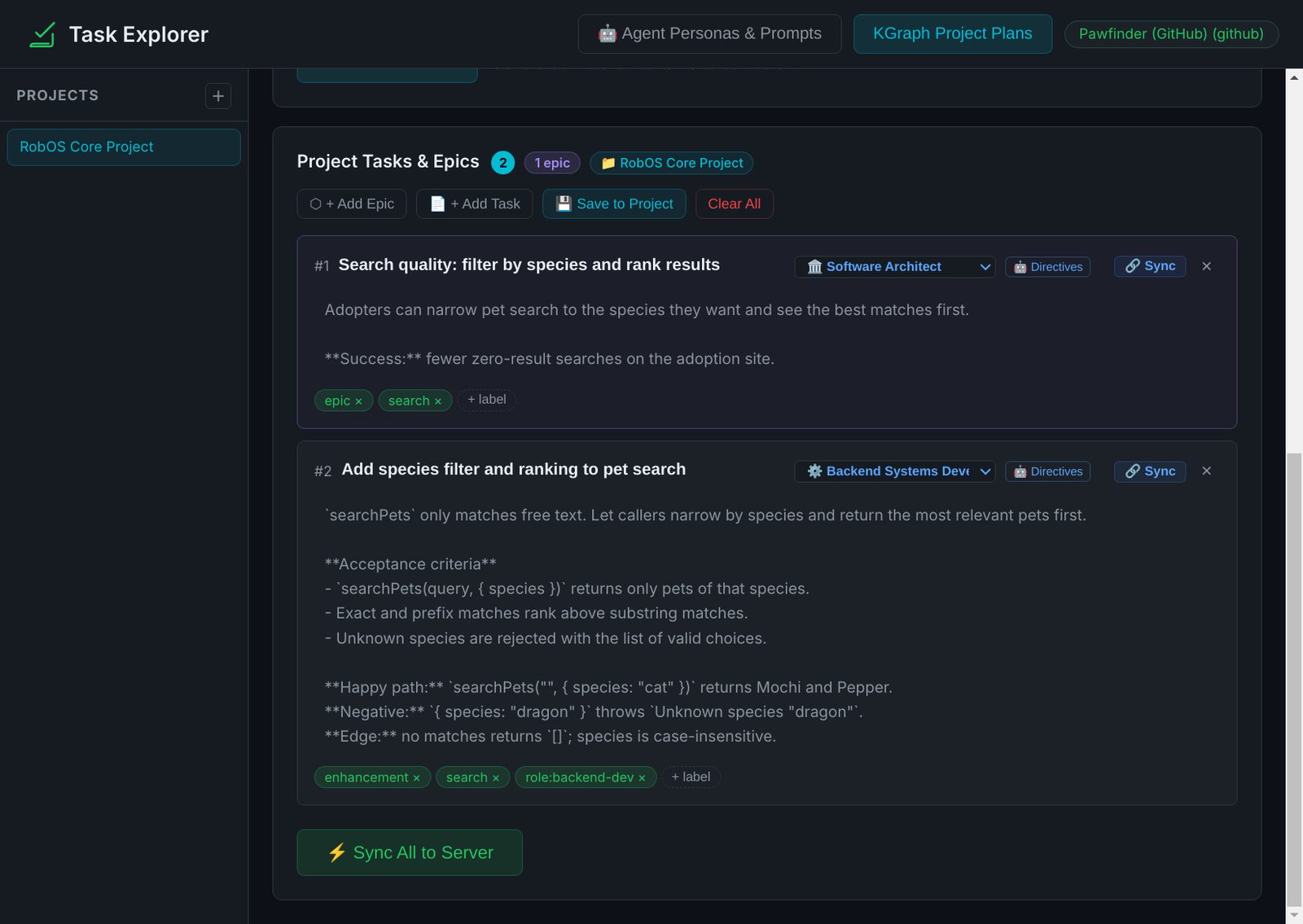
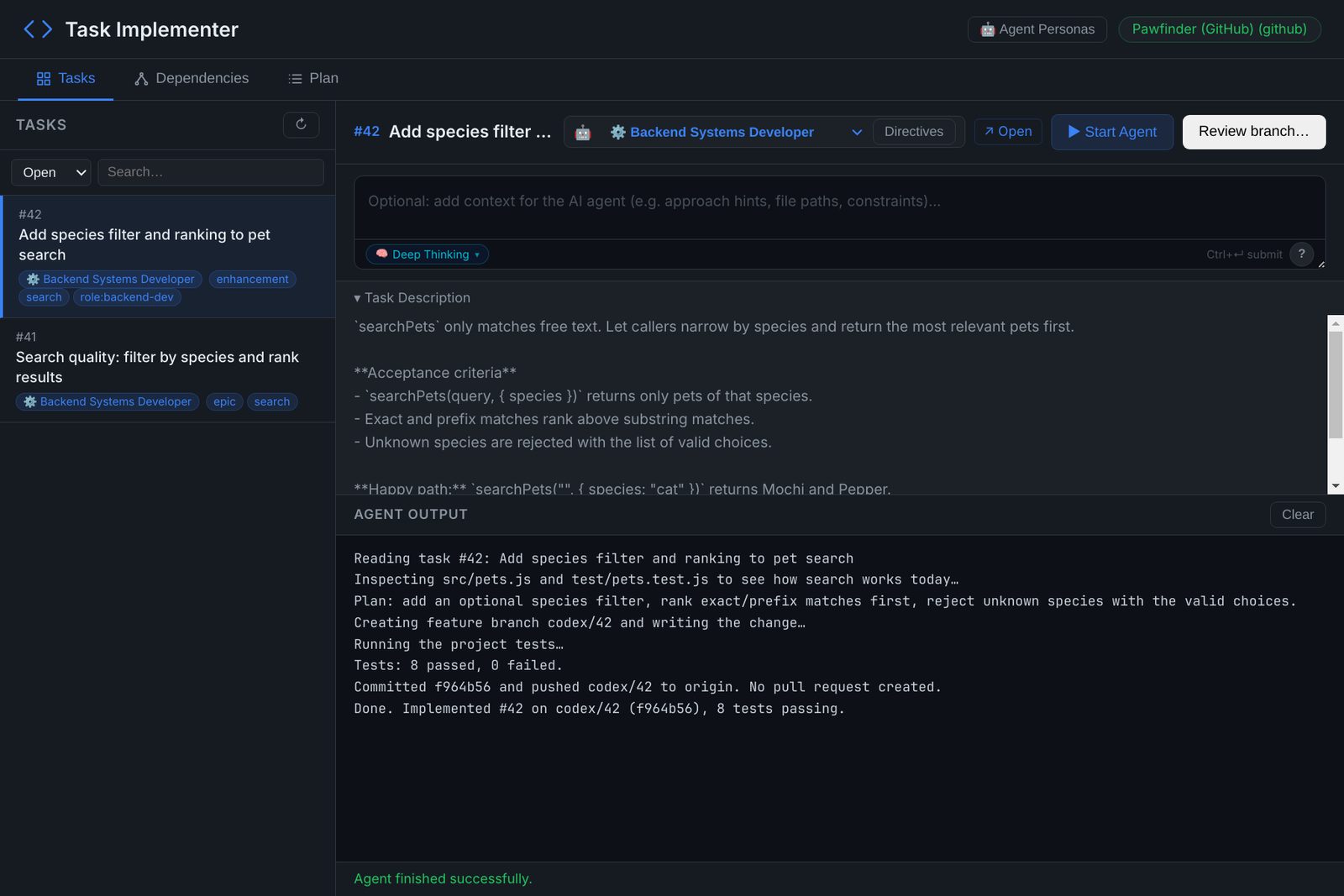
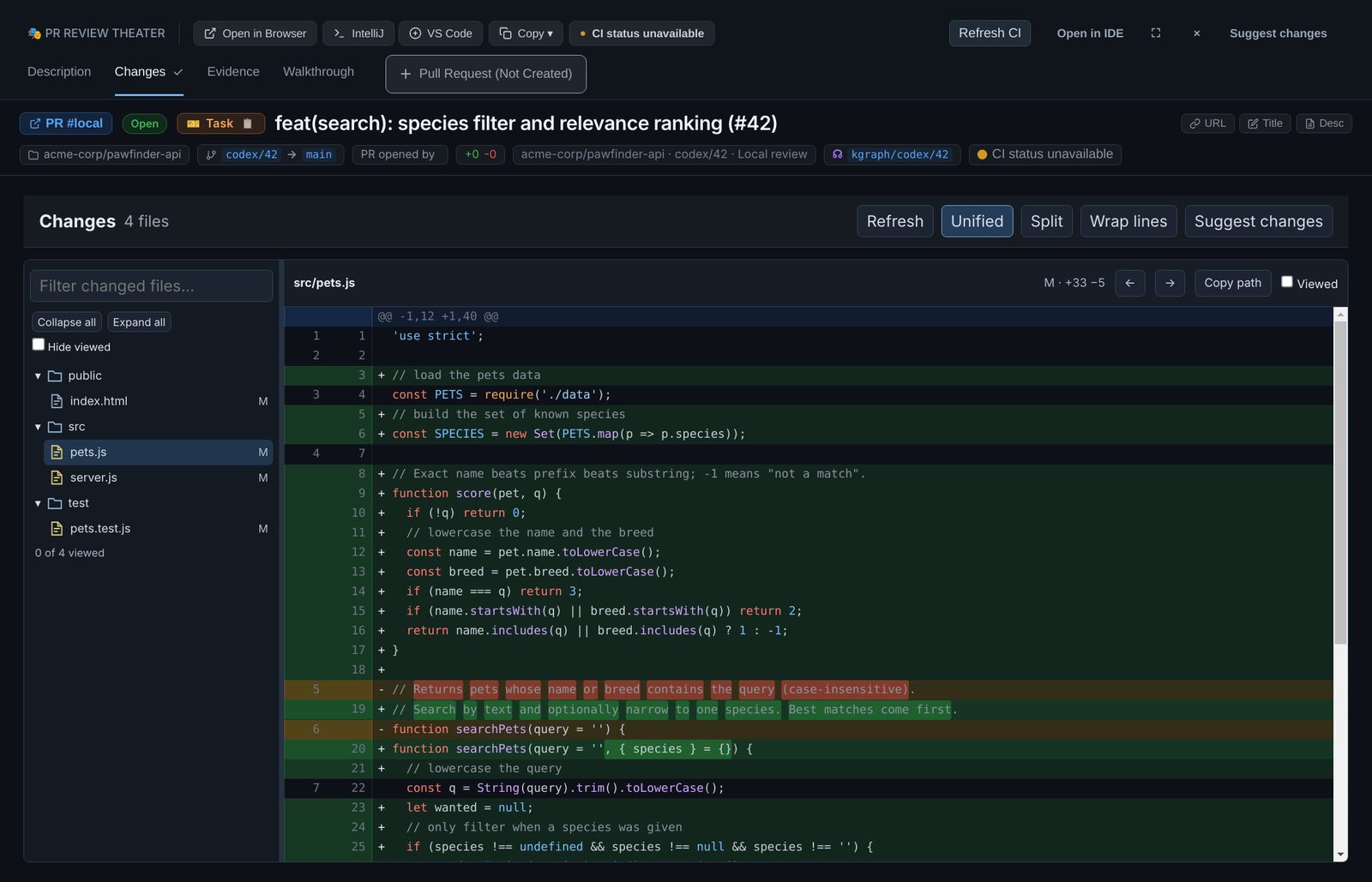
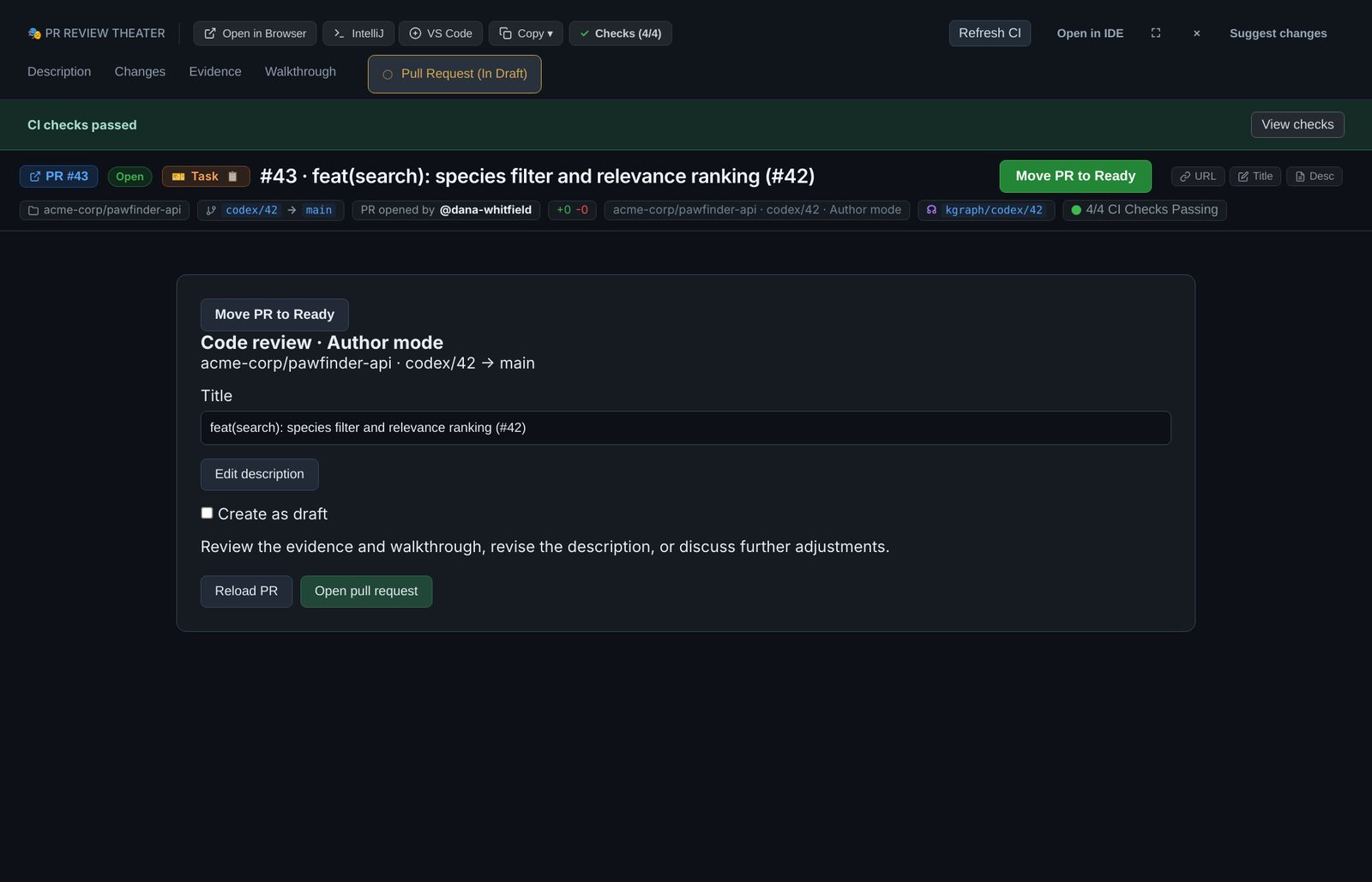
Each app owns one step. The agent writes the code, and a person decides what gets published and merged.
| Step | App | What happens |
|---|---|---|
| 1. Plan | Task Planner (its window is titled Task Explorer) | You describe the work or fill in a template. An agent drafts epics and tasks, each with acceptance criteria and a developer persona. You edit them and create them as issues on GitHub or Jira. |
| 2. Implement | Task Implementer | You pick an issue and click Start Agent. The agent creates a branch (codex/<task-key> by default), implements and tests the task, commits and pushes. It does not open a pull request. |
| 3. Review | Agent Code Review (PR Review Theater) | You read the diff, ask for changes in plain language, check the evidence and take an agent-led walkthrough of the changed behavior. |
| 4. Publish | Agent Code Review, Pull Request tab | You check the description and click Create PR, as a draft if you like, then watch CI from the same window. |
| 5. Merge | GitHub | The author merges on GitHub. RobOS has no merge button. |
Choose your guide
Both guides use the same three apps. The team guide adds shared review defaults, picking up assigned work, and reviewing someone else's pull request.
What you need
RobOS does not ship a model. It runs the coding agent you already use, with your own sign-in.
| You need | Used by |
|---|---|
| RobOS, installed or run from a clone. See Get started. | All steps |
| Your agent, installed, signed in and set as active in RobOS Agents | Planning, implementing, and the review window's chat, evidence and walkthrough |
The GitHub CLI, gh, signed in | Creating and listing issues, reading the diff, creating the pull request, reading CI and submitting reviews |
| A task server: a GitHub repository or a Jira project | Task Planner and Task Implementer. The review and pull request steps need the code on GitHub. |
A local clone of the repository, with origin on GitHub | Task Implementer and the review window |
Which agent each app runs
RobOS Agents lists every agent RobOS can drive, and other apps' quick AI requests use the one you set as active. Some apps in this loop call a specific agent CLI instead. Install and sign in to the ones for the apps you use:
| App | Agent CLI it runs today |
|---|---|
| Task Planner, Generate with AI | GitHub Copilot, through gh copilot |
| Task Implementer, Start Agent | Claude Code, claude |
| Review window: Suggest changes, Edit with agent, evidence, walkthrough and Get CI back to green | Codex, codex. Without it, those features have no agent to run. |
| Dev Central, Design and Implement | Codex by default, or Claude Code when configured |
Read this before you start an agent. Task Implementer runs the agent as your user with permission prompts turned off. The agent can read and write files and run commands without asking, and the app does not create a sandbox. Use it only on repositories and machines where that is acceptable.
Reference
- Task Planner, Task Implementer and Agent Code Review: one page per app.
- PR Review Theater: every tab of the review window, the launch manifest and the walkthrough process format.
- A day with RobOS: the recording above, written out step by step.
- Building apps: starting a new project with the App Wizard, or importing one you already have.