

RobOS Movie Player: A 100,000-Film Cinema Stage Sharing the Exact Warm Theme, AI Host, and RobOS Smart TV Casting
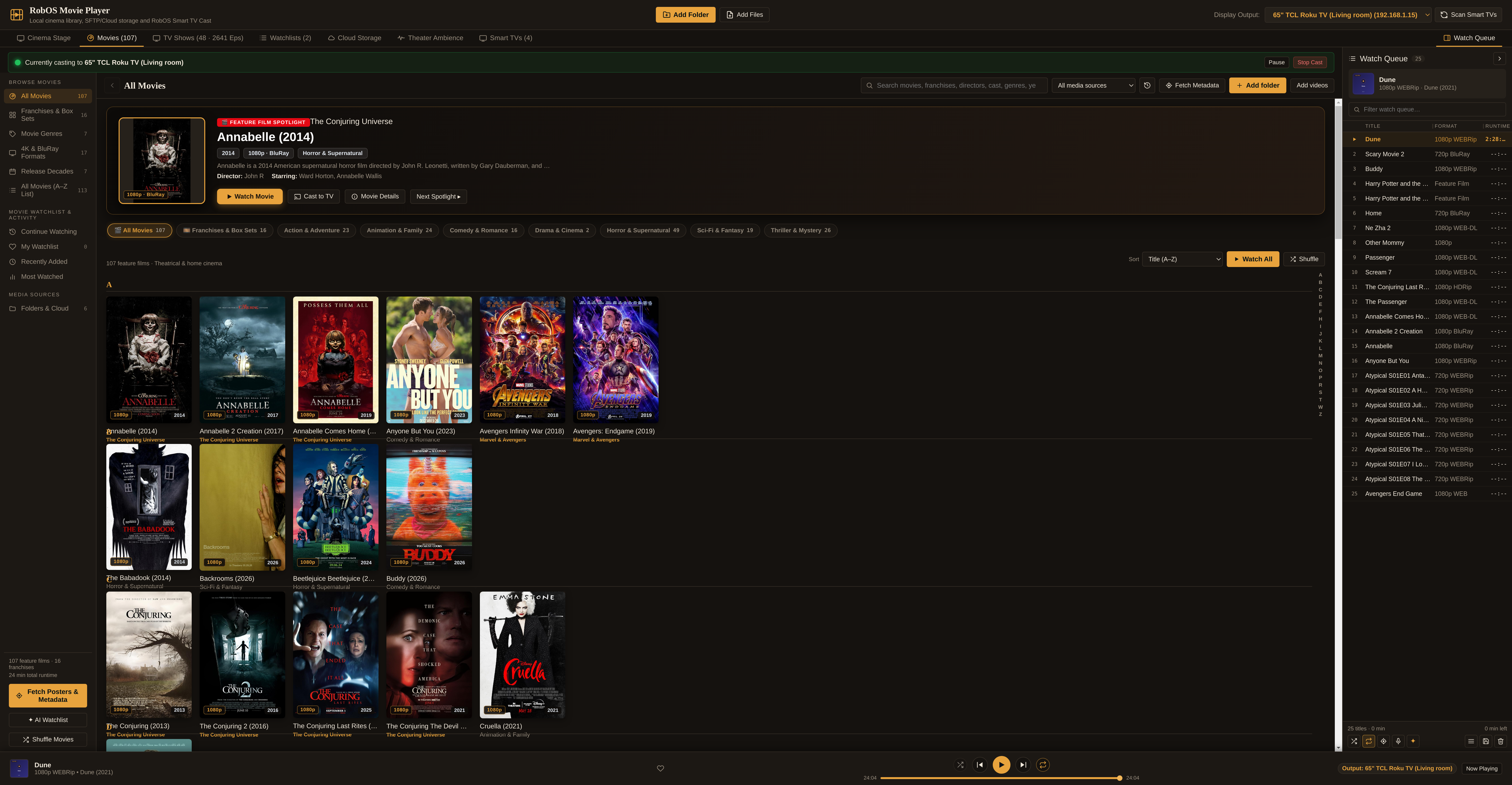
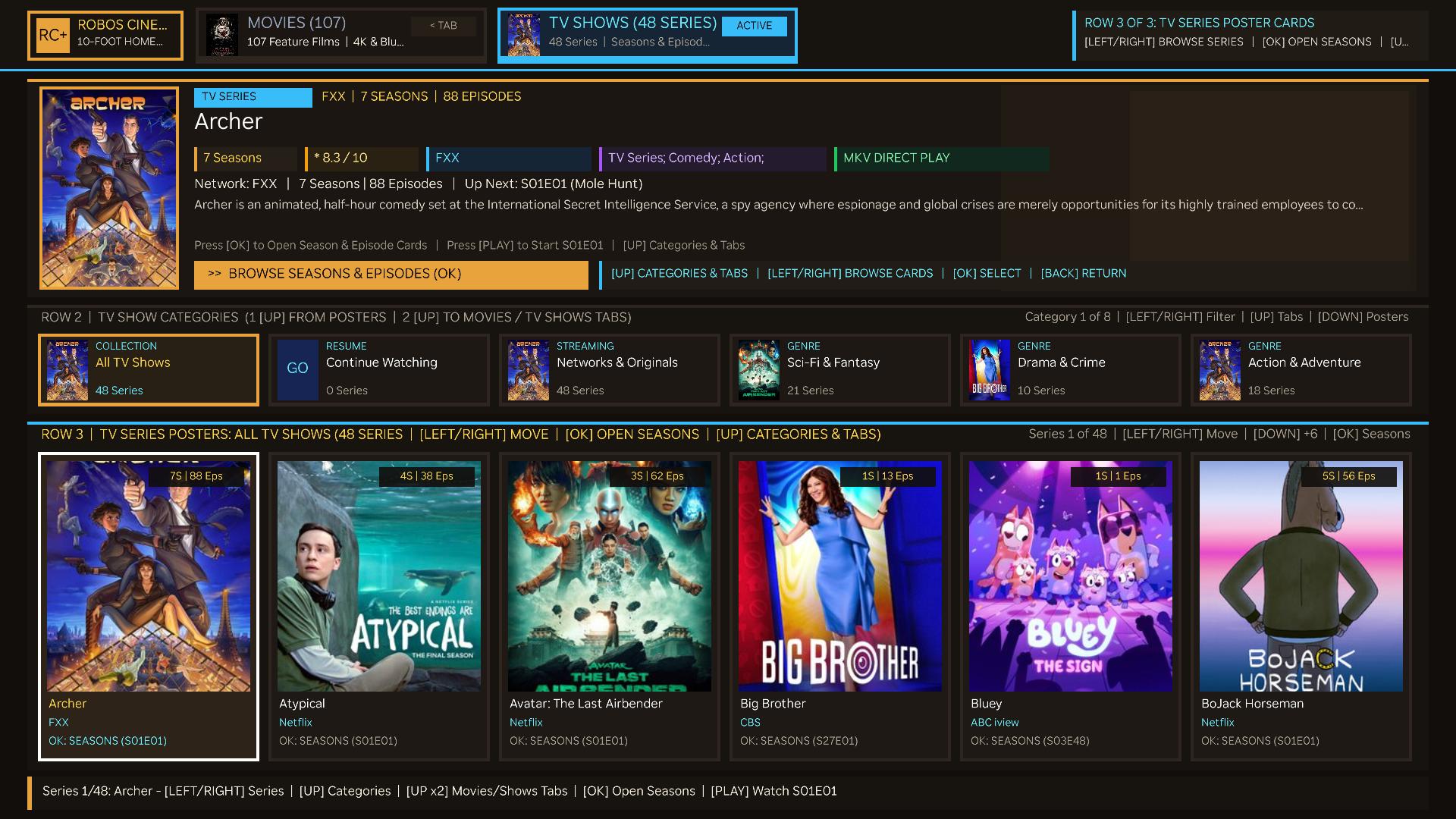
RobOS Movie Player (packages/movie-player) brings the exact warm dark theater theme (#15120f, #1c1814, #26211b, #e8a33d, #f1e9dc) and multi-pane architecture of RobOS Audio Player to movies, TV series, and video collections. Every audio player feature has a direct cinema counterpart: a 16:9 HTML5 <video> stage with synchronized transport controls, live on-screen .srt / .vtt closed captions and click-to-seek dialogue transcripts, a 100,000-movie virtualized library with scene-release filename cleaning, ✦ AI Watchlists, a spoken Virtual Cinema Host powered by RobOS Voice, an open-source ffprobe / ffmpeg metadata & video-frame poster fixer, metadata-only SFTP/cloud indexing with HTTP 206 Partial Content streaming, and a dedicated Smart TVs tab & Display Output selector that casts directly to paired RobOS Smart TVs (Roku OS, Google TV / Cast, LG webOS, Samsung Tizen).
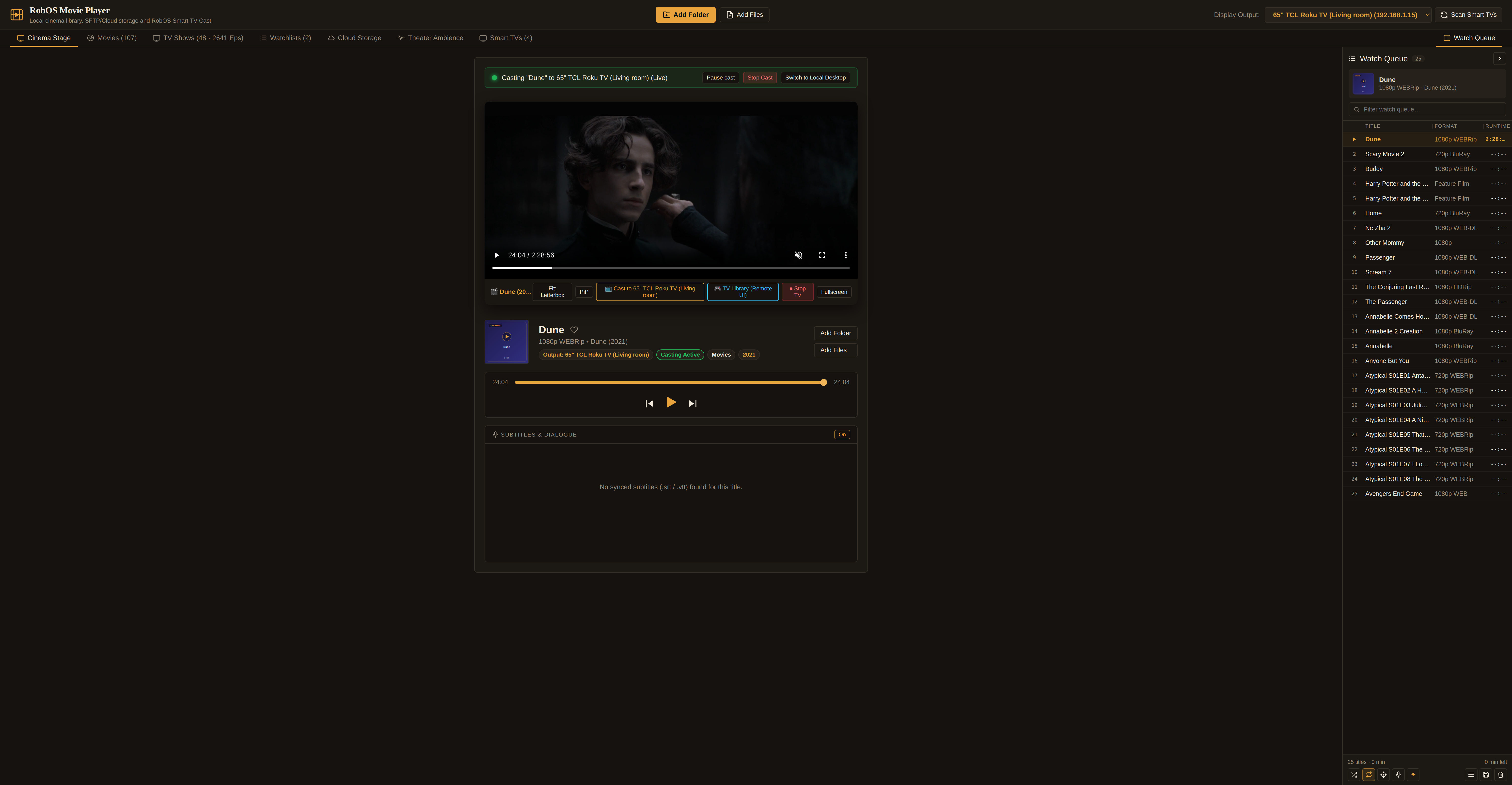
Desktop (Local Cinema) or any paired RobOS Smart TV), one-click Cast to Smart TV stage button, synchronized .robos-rhap-theme transport deck, and the collapsible Now Playing dock on the right.One warm theater design language across audio and cinema, plus native RobOS Smart TV casting. Rather than building a disconnected video player, RobOS Movie Player reuses the exact CSS custom properties, resizable split panes, virtualized table/grid primitives, and IPC bridge contract as RobOS Audio Player. Instead of audio speakers, Movie Player integrates directly with your paired RobOS Smart TVs from ~/.config/robos/tv-studio.json and LAN discovery: pick any TV in the header Display Output selector or open the Smart TVs tab to display movies on Roku OS, Google TV / Android TV, LG webOS, or Samsung Tizen displays.
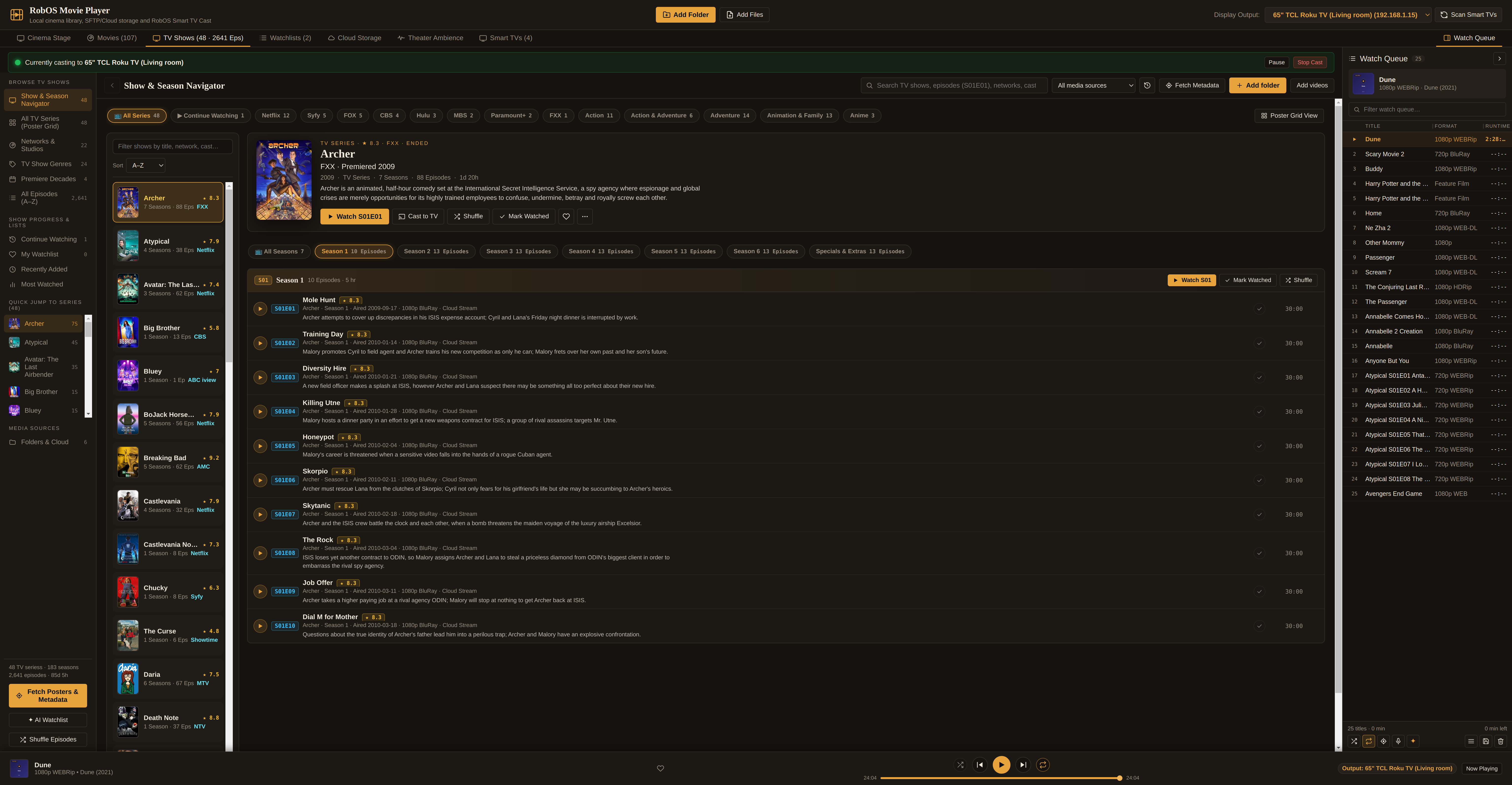
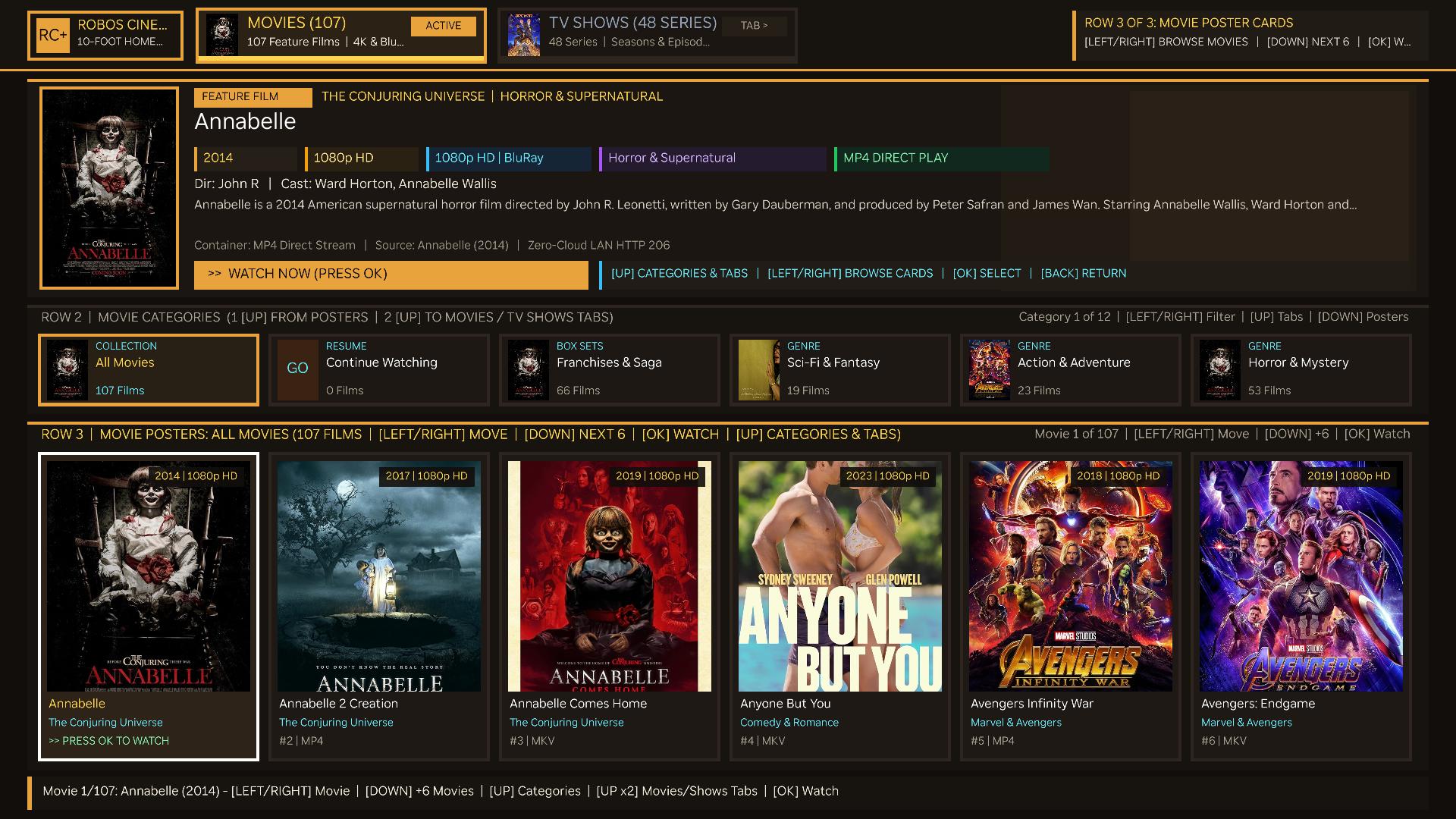
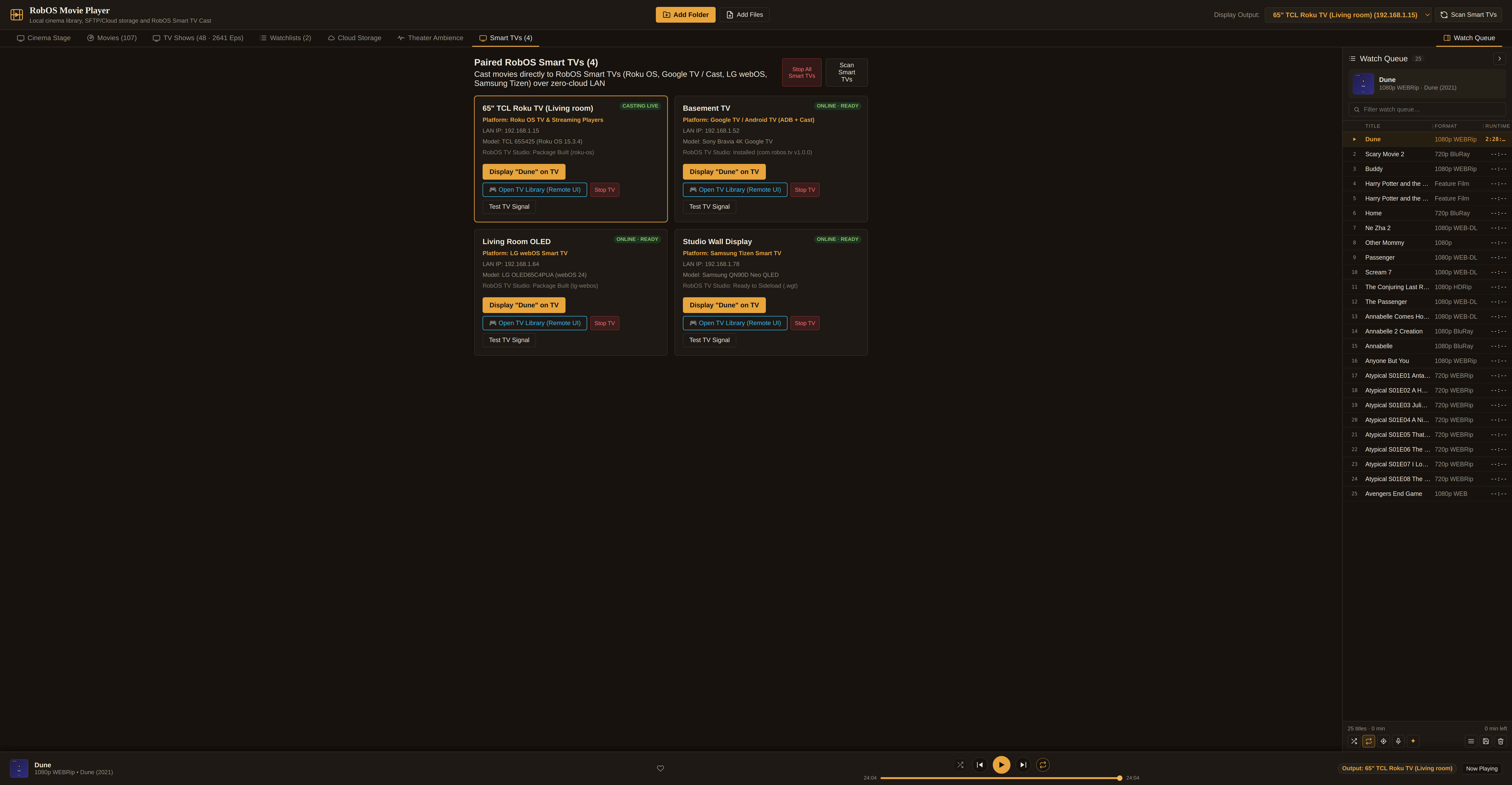
tv-studio.json (Roku OS, Google TV / Android TV, LG webOS, Samsung Tizen) with one-click Display on TV and Open TV Library (Remote UI) casting.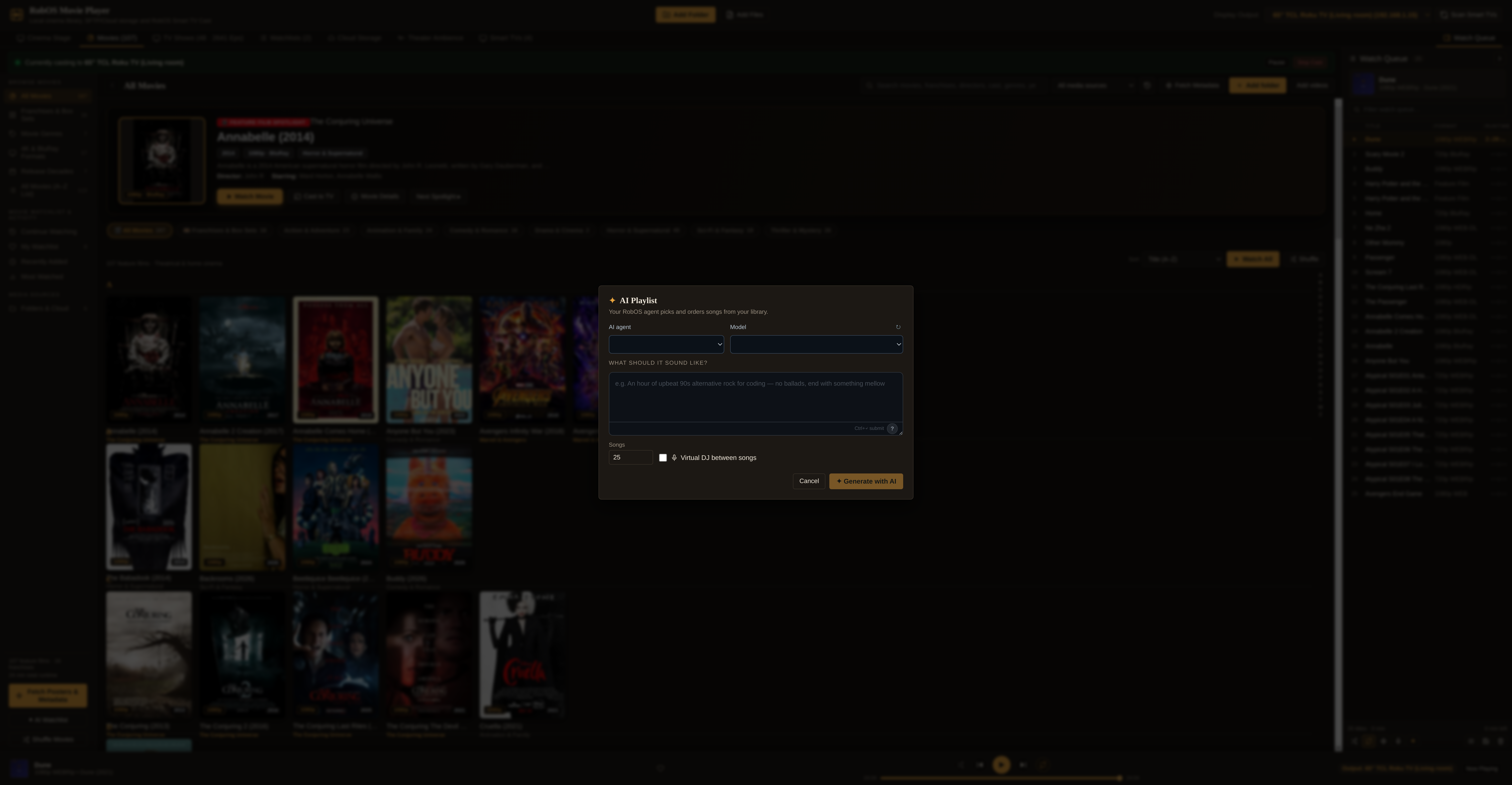
Scene-release filename cleaning, AI Watchlists, a Virtual Cinema Host, and open-source poster extraction. Movie folders often arrive with noisy scene filenames like Blade.Runner.2049.(2017).2160p.UHD.BluRay.x265.10bit.HDR-GROUP.mkv. During background worker-thread scanning (lib/track-metadata.js), cleanMovieFilename() strips release tags while preserving the clean film title, 4-digit release year, SxxExx episode numbers, resolution badge (4K, 1080p, 720p), and video codec (HEVC, AV1, H.264). Clicking ✦ AI Watchlist (src/AiPlaylist.jsx) lets you describe a marathon or mood and optionally enable the Virtual Cinema Host (src/useVirtualDj.js), which pre-generates short spoken cinema introductions between films using RobOS Voice. Clicking ✦ AI Fix Metadata (lib/ai-metadata.js) inspects .nfo sidecars, probes video/audio streams with ffprobe, extracts a real video frame thumbnail at 10% runtime via ffmpeg (or fetches public TMDB/TVmaze artwork), and optionally runs your RobOS agent with @skill(robos:fix-media-metadata).
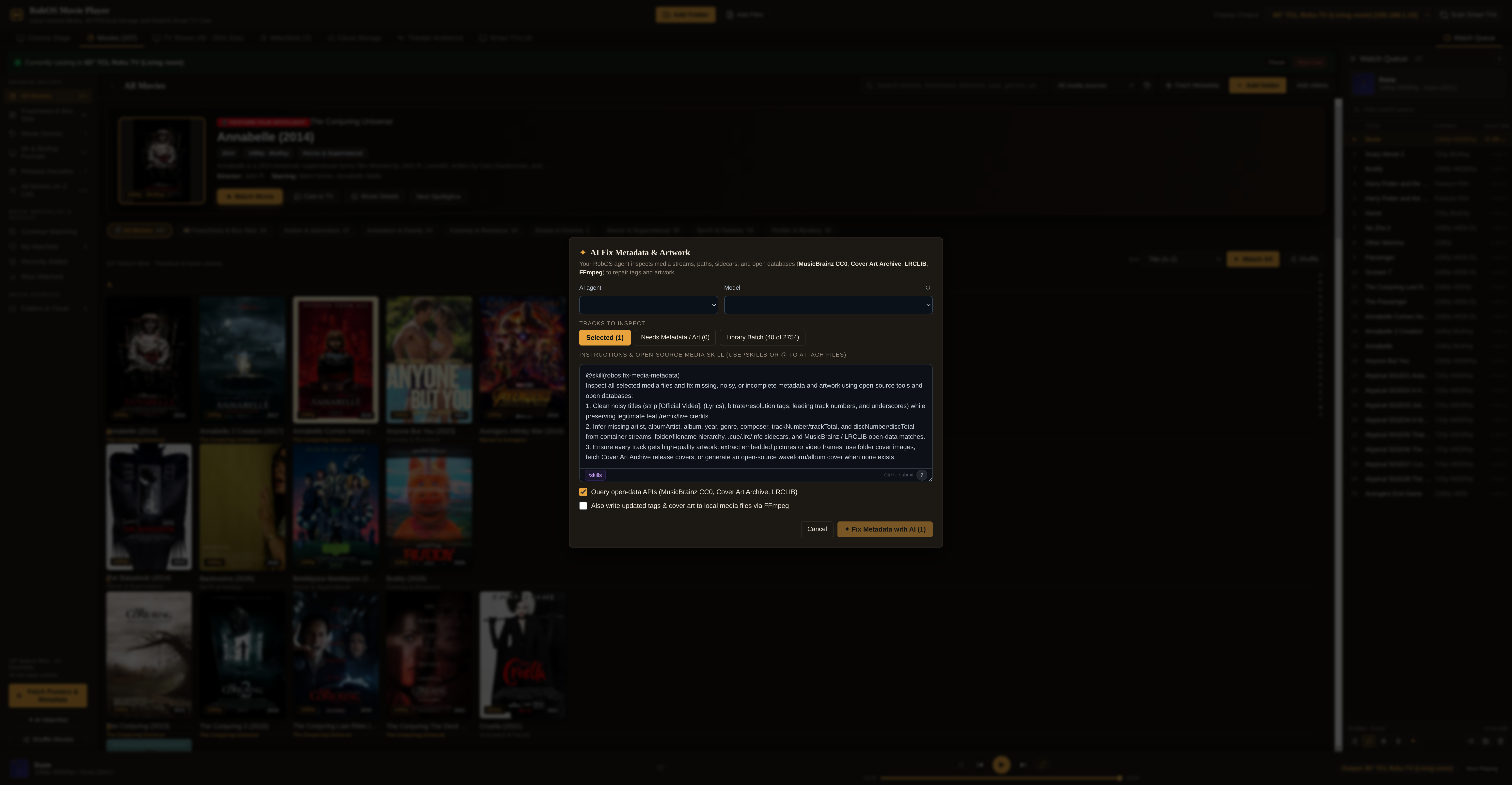
.nfo sidecar parsing, ffprobe stream inspection, public poster lookup, and ffmpeg frame extraction.